October 9, 2026 · Michael Rodriguez
How Does an AI Phone Answering Service Get Set Up for My Shop?
A plain-English walkthrough of how AI phone answering setup actually works for home-service businesses, from first call to live calls.
The short answer
Definition
AI Phone Answering Service: A software-based system that answers inbound calls, qualifies leads, books appointments, and handles FAQs using voice AI, without a human operator on the line. It connects to your existing phone number and calendar.
If you have ever missed a call at 7 PM because you were finishing a job and lost that customer to a competitor who picked up, you already understand the problem. An AI answering service closes that gap. The setup process is more straightforward than most shop owners expect, and this post walks you through exactly what happens at each stage.

What does the onboarding process actually look like?
Most providers break setup into four phases: number configuration, business profile training, calendar integration, and live testing. Each phase has a clear owner, either you, the provider, or both working together.
Here is what to expect at each stage:
- Number configuration (Day 1 to 2): You either forward your existing number to the AI system or port it over. Forwarding is faster and carries zero downtime risk. The AI answers when you do not pick up, or it answers all calls depending on how you configure it.
- Business profile training (Day 2 to 5): You give the system your service list, service area, pricing ranges if you share them upfront, after-hours rules, and any questions you want asked before booking. Good providers offer a structured intake form so nothing gets missed.
- Calendar integration (Day 3 to 6): The AI connects to whatever scheduling tool you already use, whether that is a field-service platform, Google Calendar, or a dedicated CRM. It reads your real availability and books directly into open slots.
- Test calls (Day 5 to 10): You and your provider call the number, run through common scenarios like a new customer asking for a quote, an existing customer rescheduling, and an after-hours emergency, and fix anything that sounds off.
- Go-live (Day 7 to 14): Once test calls pass, you flip the switch. Most providers keep a human review loop available for the first week so edge cases get caught fast.
Note
What information do I need to have ready before setup starts?
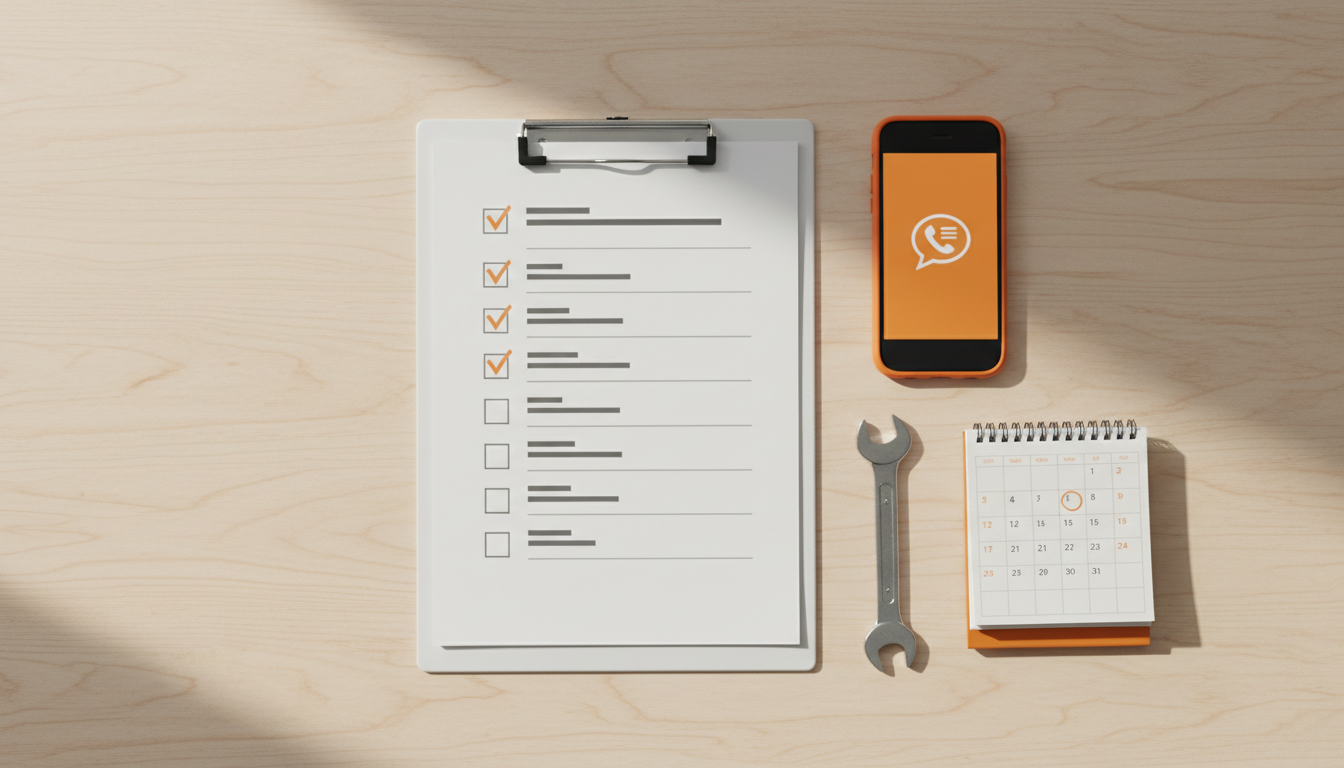
Having your information organized cuts setup time significantly. You do not need to write a script from scratch; the provider structures the intake. But you do need to know your own business.
Bring these to your first onboarding call:
- Your full service list with any seasonal additions
- Your service area by zip code or city
- Your hours of operation and after-hours policy
- Your current scheduling tool and login credentials for integration
- Your top five to ten FAQs, the questions every caller asks
- Any jobs you will not take, minimum ticket sizes, or geographic limits
- Your preferred callback process for calls the AI cannot handle
The more specific you are here, the better the AI performs from day one. Vague inputs produce vague responses to callers.
Does the AI need to learn my business over time, or is it ready on day one?
Both things are true, and good providers are upfront about it. The system is functional on day one because it has been trained on your initial profile. But it gets sharper over the first 30 to 60 days as it processes real calls and your team flags anything that did not go right.
The first week of live calls is data collection as much as it is call answering. Treat early transcripts as a feedback loop, not a report card.
Most platforms give you a dashboard where you can read or listen to call summaries, see how many leads were booked versus dropped, and update business rules without calling support. That ongoing tuning is what separates a mediocre deployment from one that genuinely converts callers into booked jobs.
For a deeper look at how the underlying technology qualifies leads before they reach your calendar, see how it works.
How does the AI handle calls it cannot answer?
Every well-built system has an escalation path. When a caller situation falls outside the AI's configured scope, the system has several options depending on what you set up:
- Transfer the call live to your cell or a team member
- Take a detailed message and trigger a text or email alert to you immediately
- Book a callback slot on your calendar so the caller knows when to expect you
- Offer an emergency line if you handle urgent service calls after hours
None of this happens automatically. You define the rules during setup. A heating contractor who handles emergency no-heat calls at midnight needs a different escalation path than a landscaper who works Monday through Friday only.
Note
What does integration with my existing tools look like?
This is where home-service shop owners get most nervous, and it is usually less painful than expected. Modern AI answering platforms are built to connect with common field-service and scheduling tools through standard integrations or APIs.
Common integrations include Google Calendar, Jobber, Housecall Pro, ServiceTitan, and similar platforms. If your tool is on the provider's supported list, setup is a matter of authenticating your account, usually done by logging in through the provider's dashboard. If your tool is not on the list, ask about webhook or Zapier connections before you sign anything.
According to research published by Software Advice, scheduling and calendar integration is among the top requested features for small business phone tools, which is why reputable providers have invested heavily in making it reliable rather than bolted on.
For home-service businesses thinking through whether this technology fits their operation before committing, the discovery process is a good starting point.
What ongoing maintenance does the setup require?
Less than you probably fear. Once the system is live and tuned, routine maintenance comes down to three things:
- Updating your service list when you add or drop services seasonally
- Adjusting your hours and availability rules around holidays or staff changes
- Reviewing call summaries weekly for the first month, then monthly once things are stable
Most updates take under 15 minutes through the provider's dashboard. You are not rewriting code; you are editing a business profile.

If something bigger changes, like a new service line or a significant expansion of your territory, treat it like a mini re-onboarding. Go back through your business profile, run a fresh batch of test calls, and confirm the AI is saying the right things before those new calls start coming in.
Is this hard to undo if it does not work out?
No. Because you are forwarding your number rather than fully porting it in most setups, reverting is as simple as removing the call forward. Your number stays yours. Your existing carrier relationship stays intact. You do not lose anything you had before.
If you do port the number and want to leave, legitimate providers facilitate number porting out without holding your number hostage. Confirm this policy before you sign a contract. The contact page is a good place to ask those questions directly before committing.
See what this looks like for your shop.
The AI Phone Guy answers every call, qualifies the lead, books the job, and texts you the details, day and night. Book a quick discovery call and we will walk through your numbers together.