October 19, 2026 · Michael Rodriguez
What Happens on a Call the AI Can't Handle?
When your AI receptionist hits its limit, here's exactly what happens next so no job lead slips through the cracks.
The short answer
Definition
Escalation Path: The pre-set sequence of actions an AI receptionist follows when it cannot resolve a caller's request, typically moving from automated handling to a live transfer, a voicemail capture, or a scheduled callback.
Why does an AI ever fail to handle a call?
AI receptionists are trained on patterns, and patterns have edges. A caller who launches into a situation the system has never seen, uses heavy regional slang, or asks about something well outside the service scope can push past what the AI can confidently resolve. That is not a flaw unique to AI. A human front-desk worker runs into the same wall when a caller asks a technical question only the field tech can answer. The difference is that a human can improvise in ways that sometimes create bigger problems, while a well-configured AI stops at its limit and follows a defined rule instead.
Common triggers for escalation include:
- Caller expresses anger or distress and asks to speak to a person immediately
- Request involves pricing authority the AI has not been given, such as approving a large scope change on an active job
- Safety or emergency language is detected, such as a gas smell or active water damage
- The caller's intent is ambiguous after two or three clarifying attempts
- A language barrier makes confident interpretation unreliable
What are the actual handoff options?
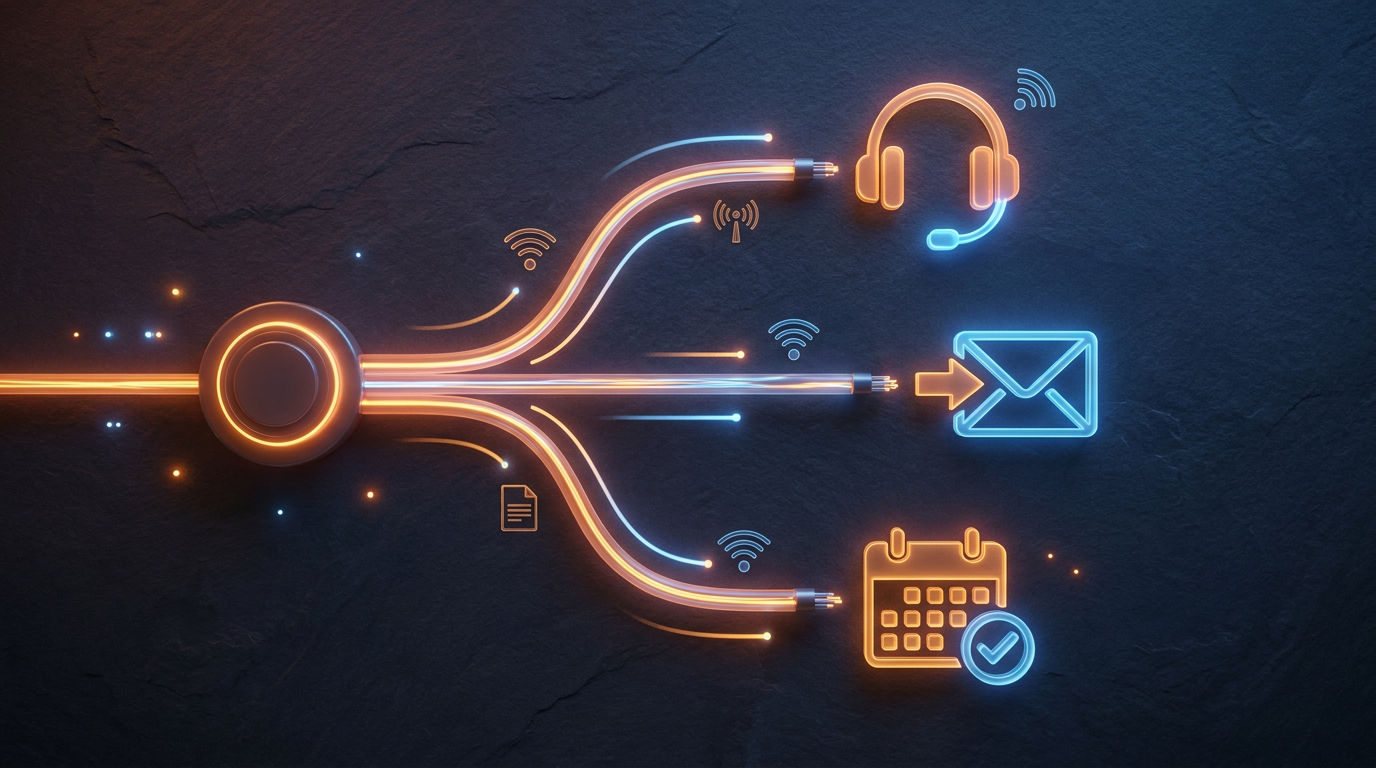
There are three practical paths, and a well-built system lets you choose which one fires based on the trigger type.
Live transfer is the most direct. The AI tells the caller it is connecting them to someone who can help, then dials your chosen number, whether that is your cell, a dispatcher line, or an on-call manager. If you answer, the call connects. If you do not, the system falls to the next rule.
Voicemail or message capture is the fallback when no live person is reachable. The AI explains the situation to the caller, asks them to leave a message or confirms it already has their number, and logs everything in a dashboard or sends it to you as a text or email. Nothing is lost.
Scheduled callback works well for non-urgent escalations. The AI offers the caller a specific time window and books the slot so someone from your team knows exactly when to call back and what the topic is.
Note
Does the caller know they are talking to an AI?
This question comes up every time escalation is discussed. Disclosure norms vary by state, but setting that aside, transparency generally serves home-service businesses better than opacity. Callers who feel tricked when they realize they were talking to an AI are not the kind of customers who leave good reviews or book repeat work.
A direct approach works fine: the AI introduces itself by name, handles what it can, and when it escalates, it says plainly that it is connecting the caller to the team or that someone will follow up. Most callers care more about whether their problem gets solved than about who or what answered first.
The measure of an AI receptionist is not whether it handles every call perfectly. It is whether zero calls fall through the floor when it cannot.
How fast does a handoff happen?
A live transfer takes seconds once the trigger fires. The AI does not pause, deliberate, or retry indefinitely. It recognizes the limit, states what it is doing, and initiates the transfer. The whole pivot from AI conversation to transfer attempt typically takes under thirty seconds of caller time.
Message capture and callback booking add a minute or two of interaction to collect the necessary details, but the caller is actively engaged throughout, not sitting on hold listening to music.
What information does the AI pass along during escalation?
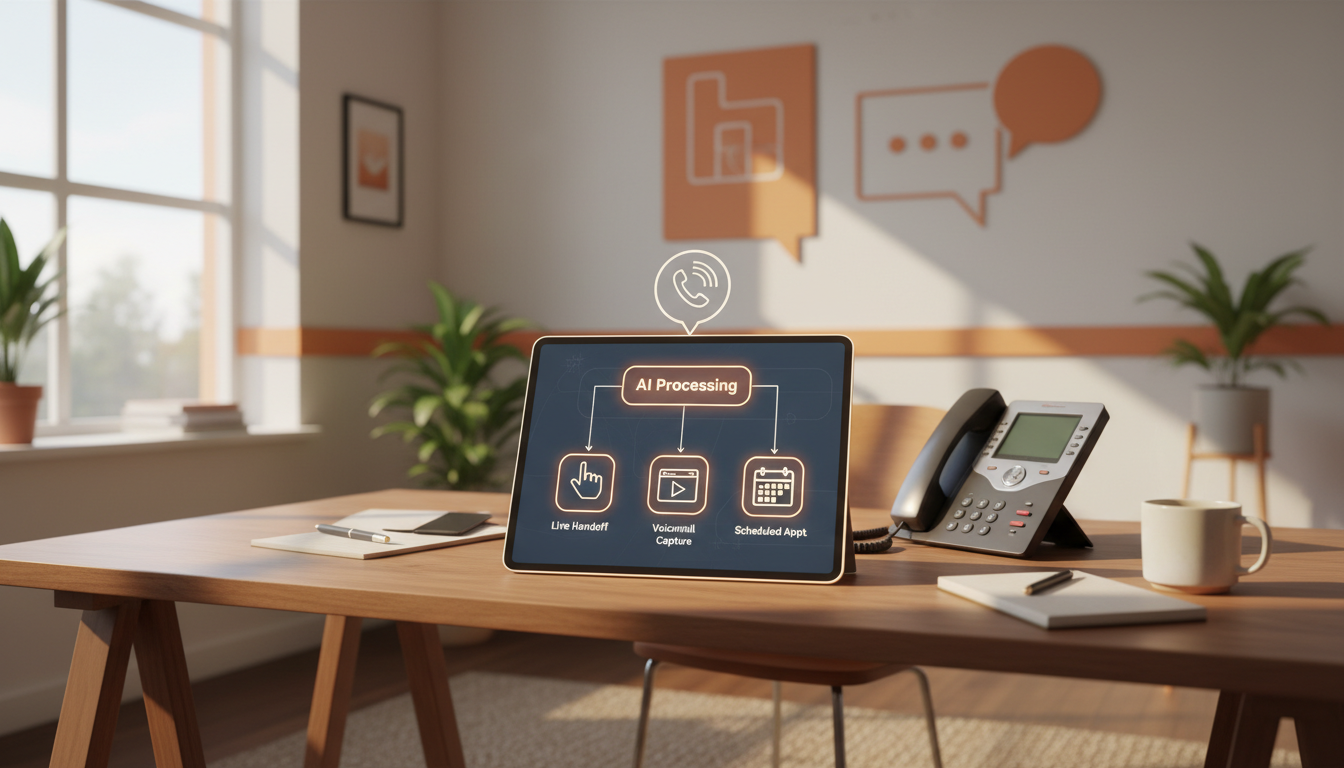
This is where a well-integrated system earns its keep. When the AI hands off a call, the live agent or the callback log should already contain:
- Caller name and phone number
- Service type requested or issue described
- Address or service area if collected
- Reason for escalation
- Any details shared during the conversation before the handoff
Your tech or dispatcher picks up the phone knowing the context. No "can you start from the beginning" moment that frustrates callers who already explained themselves once.
Note
What about after-hours calls the AI escalates?
After-hours escalation is where the stakes are highest for home-service businesses. An emergency HVAC call at 11 p.m. or a plumbing backup on a Sunday morning is exactly the job that justifies having AI answer at all. If the AI escalates an after-hours call to a live transfer and nobody picks up, the voicemail or callback capture has to be tight.
Some operators configure a tiered after-hours rule: try the on-call tech first, then the owner's cell, then capture a message with a promised morning callback. Others run a live answering service as the final tier. The AI does not care which model you use as long as the rules are defined.
Learn more about how the overall system fits together on our how it works page, or see what getting started looks like on our discovery page.
How do you know if your escalation setup is working?
Look at two things. First, review the escalation log in your dashboard weekly for the first month. Check what triggered each handoff and whether the resolution matched what the caller needed. Second, spot-check a handful of the callers who were escalated. A short follow-up question about their experience tells you more than any metric.
If you are seeing patterns, such as the same trigger type escalating repeatedly when it probably should not, that is a signal to refine the AI's training or widen its authority on that topic rather than let it keep bumping calls.
The goal is a system where escalation is the exception, not the routine. But when it does happen, it should be clean, fast, and accountable. If your current setup leaves any of that to chance, the contact page is a good place to start a conversation.
For further reading on AI in customer-facing roles, the Harvard Business Review's coverage of AI and customer service offers grounded perspective on where automation earns trust and where it loses it.
See what this looks like for your shop.
The AI Phone Guy answers every call, qualifies the lead, books the job, and texts you the details, day and night. Book a quick discovery call and we will walk through your numbers together.