
October 16, 2026 · Michael Rodriguez
Can the AI Book Appointments Straight Into My Calendar?
Find out exactly how AI appointment booking works for home-service businesses, what it connects to, and where the limits are.
The short answer
Definition
AI Appointment Booking: An automated process where a conversational AI agent handles the full scheduling sequence: collecting job details from the customer, checking live calendar availability, confirming a time slot, and creating the appointment record, all without a human dispatcher involved.
If you have ever lost a lead because you were under a sink when the phone rang, this is the problem that AI booking solves. The AI stays on the line, or on the chat, or in the text thread, and handles the whole handoff from inquiry to confirmed appointment while you finish the job.
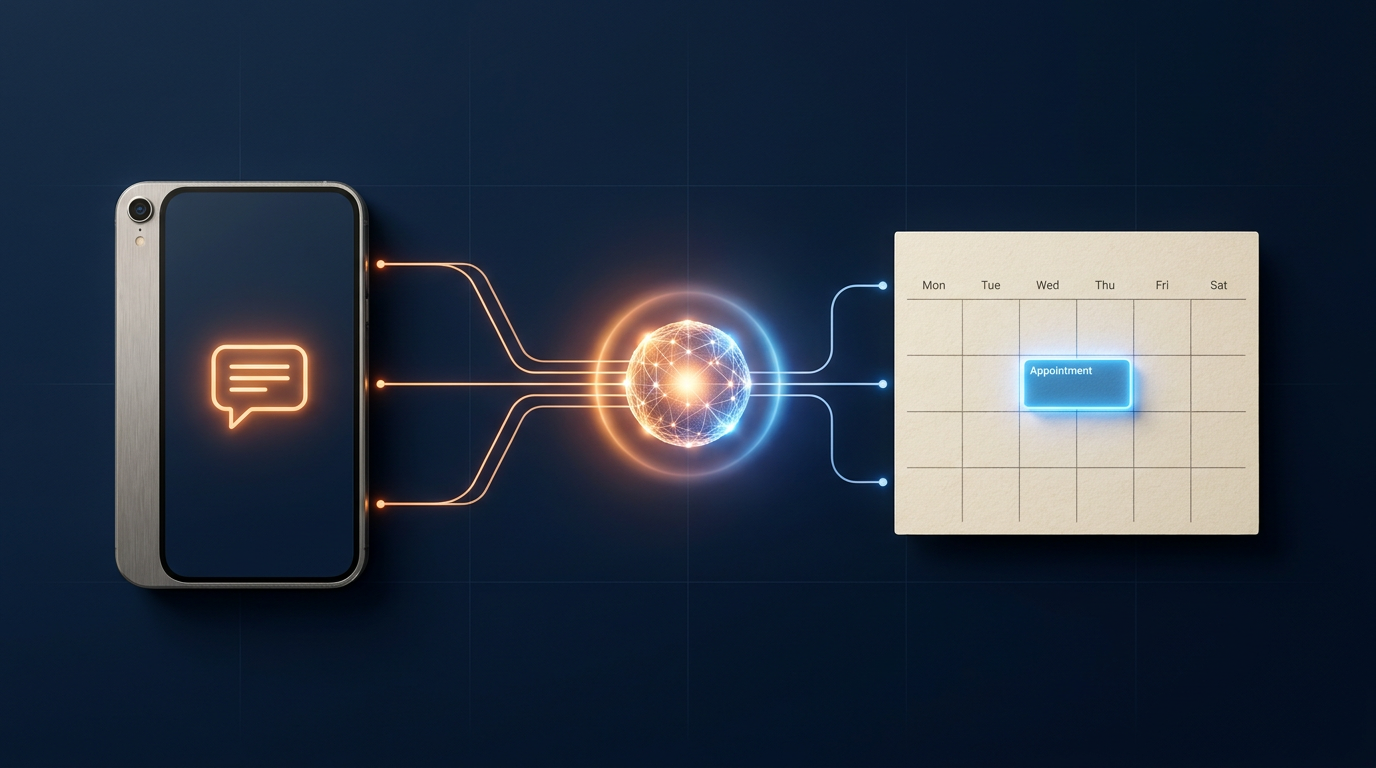
How does the AI actually get into my calendar?
The AI connects through a calendar integration layer. Most home-service owners use Google Calendar or Microsoft Outlook, and both support API access that lets authorized software read open slots and write new events. When a customer asks to book a job, the AI queries your calendar in real time, finds an open window that fits your rules, and creates the event. Nothing is booked on a slot you have already filled.
Note
Field service platforms like ServiceTitan, Jobber, and HouseCall Pro have their own scheduling engines, and many AI booking tools can connect to those instead of, or in addition to, a plain calendar. Check which integrations your AI provider supports before you commit.
What does the booking conversation actually look like?
The customer contacts you through whatever channel you have set up: a website chat widget, a missed-call text-back, or a Facebook message. The AI greets them, collects the job type and address, confirms they are in your service area, and then surfaces two or three available time slots. The customer picks one, the AI confirms it, and the appointment is written to the calendar. The customer gets a confirmation message. You get a notification. That is the whole loop.
A well-configured AI will also collect whatever intake fields you need: square footage for a cleaning job, the appliance brand for a repair call, or a gate code for a gated property. All of that lives in the appointment record so your tech shows up informed.
The best outcome is not that the AI sounds smart. It is that you show up to a job that was already sold, scheduled, and prepped without you making a single call.
Does it work while I am asleep?
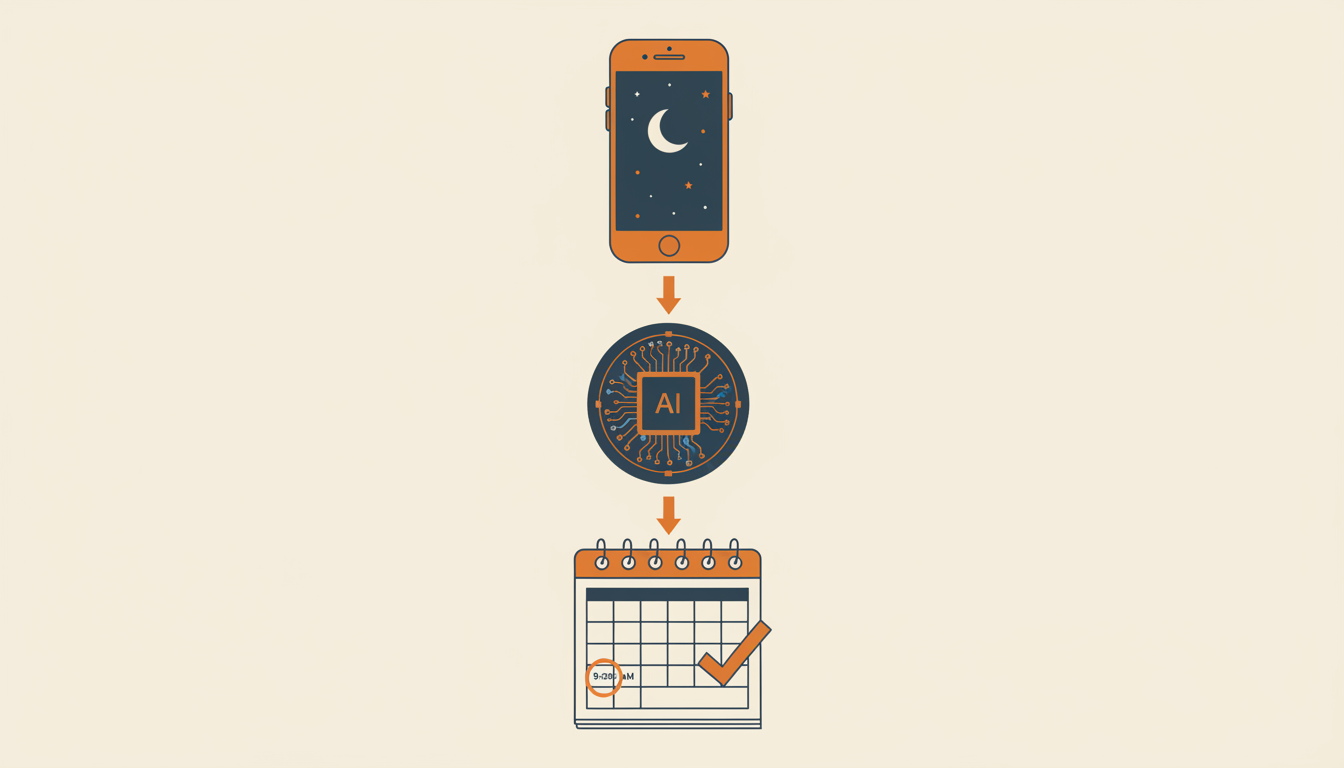
Yes, and that is one of the most practical reasons home-service owners add AI booking. A significant share of service requests come in outside business hours, when a homeowner finally has time to deal with the leaky faucet or the AC that stopped working. If your only booking path is a phone call during the day, you are missing those requests or making people wait until morning.
The AI runs around the clock. It will not book outside the hours you have defined, but it will capture the lead, walk the customer through the intake, and hold a spot if you have enabled after-hours holds. At a minimum, it keeps the customer engaged instead of sending them to a competitor.
What are the real limits I should know about?
AI booking is not magic, and being clear on the limits saves you frustration later.
- Complex scoping calls still need a human. If a customer needs a full home rewire estimate or a major remodel quote, the AI can capture the lead and schedule a consultation, but it should not be trying to price that job on its own.
- Integration gaps exist. If your calendar or scheduling software is not supported, the AI cannot write to it. Always verify the specific integration before you rely on it.
- It needs accurate availability data. If your calendar is not up to date, the AI will offer slots you cannot actually fill. Garbage in, garbage out.
- Edge cases require override procedures. Emergency calls, repeat customers with special arrangements, or jobs that span multiple days may need a human to step in. Build a handoff path for those.
Note
What calendar and software connections should I look for?
Before you pick an AI booking tool, check for these integrations specifically:
- Google Calendar
- Microsoft Outlook and Microsoft 365
- Apple Calendar via CalDAV
- Jobber
- HouseCall Pro
- ServiceTitan
- Acuity Scheduling
- Calendly (for consultation-style bookings)
If you use a niche field service platform, ask the vendor directly whether a native integration or a Zapier-style middleware connection is available. Middleware works but adds a potential failure point, so native is always preferable.
For a deeper look at how the AI handles the full customer conversation from first contact to booked job, see how it works.
How do I set it up without breaking my current process?
Start with your calendar hygiene. Block off your actual working hours, add buffer time between appointments, and make sure any existing bookings are on the calendar. An AI booking tool is only as reliable as the data it reads.
Next, map your intake questions. Write down every piece of information your dispatcher or office staff normally collects when a customer calls. Build those questions into the AI conversation flow before you go live.
Finally, set a fallback. Decide what happens when the AI cannot handle a request. A live transfer to your phone, a callback request, or a message to a team inbox are all valid options. The fallback is not a failure of the AI; it is a sign your process is mature enough to handle edge cases.
If you are not sure where to start, talk to us about your current setup and we can map out the right configuration for your trade and your market.
For home-service businesses that are already stretched thin, removing the scheduling bottleneck is one of the highest-leverage changes you can make. The technology is not new anymore. Field service companies have been using automated scheduling in various forms for years, and the AI layer that handles the natural-language conversation with customers is what makes it accessible without a dedicated office staff.
If you want to understand what the full intake and booking flow looks like from the customer's side before you build it, start at our discovery page where we walk through common home-service scenarios end to end.
For independent context on how AI scheduling tools are being adopted in small business operations, the U.S. Small Business Administration's digital tools guidance and software review platforms like Capterra publish real user feedback on scheduling integrations that is worth reading before you commit to a platform.
See what this looks like for your shop.
The AI Phone Guy answers every call, qualifies the lead, books the job, and texts you the details, day and night. Book a quick discovery call and we will walk through your numbers together.